I have a question for LinkedIn Help 🙂
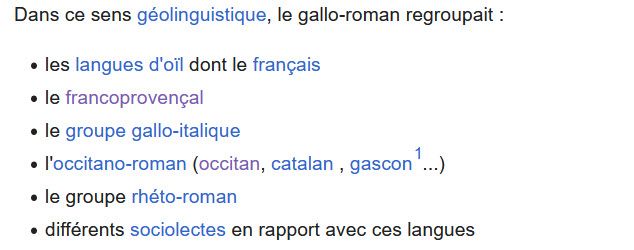
In my previous post, I pasted a Wikipedia link that ends with a parenthesis but LinkedIn turns the link into a shorter “linkd. in” without the last character which is the closing parenthesis.
When we follow the link, it obviously doesn’t find the page on Wikipedia and we have to manually add the parenthesis to find the page.
Here’s the link I’ve pasted, of course here I’m adding spaces so it doesn’t get shortened:
https: // fr. wikipedia. org/wiki/Genevois_(langue)
There are many links with parenthesis, at least on Wikipedia (series, names, bands, etc), I tried to add a / at the end but it doesn’t work on Wikipedia.
Other social media shorten links by including the closing parenthesis and linking correctly.
OK I found a workaround, by encoding the ending parenthesis with %29 instead of )
But still, pasting links with ending parenthesis are stripped by the linkd. in link shortener
And the support agent didn’t understand AT ALL my request, telling me to tell the site developer (here: Wikipedia!) about errors in the link (well, too short description on wikipedia!) and clearing my cache!! after days of conversation and even me creating a video for them!
Ticket # 240108-010882
I was not asking for help, I was informing LinkedIn Help about that shortener behaviour!!
I cannot spend more time trying to help LinkedIn 😀
(btw, X’s link shortener “t. co” creates those links correctly!)