I have a question for LinkedIn Help 🙂
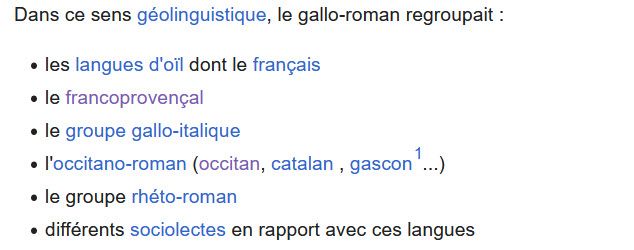
In my previous post, I pasted a Wikipedia link that ends with a parenthesis but LinkedIn turns the link into a shorter “linkd. in” without the last character which is the closing parenthesis.
When we follow the link, it obviously doesn’t find the page on Wikipedia and we have to manually add the parenthesis to find the page.
Here’s the link I’ve pasted, of course here I’m adding spaces so it doesn’t get shortened:
https: // fr. wikipedia. org/wiki/Genevois_(langue)
There are many links with parenthesis, at least on Wikipedia (series, names, bands, etc), I tried to add a / at the end but it doesn’t work on Wikipedia.
Other social media shorten links by including the closing parenthesis and linking correctly.
My Previous post with the issue:
https://www.linkedin.com/posts/patriciabt_y-avet-na-vioza-on-rat-de-zeneva-quen-invita-activity-7149399930296496128-O7Ix/
Many thanks.